The Asterisk v2
Asterisk means "little star"
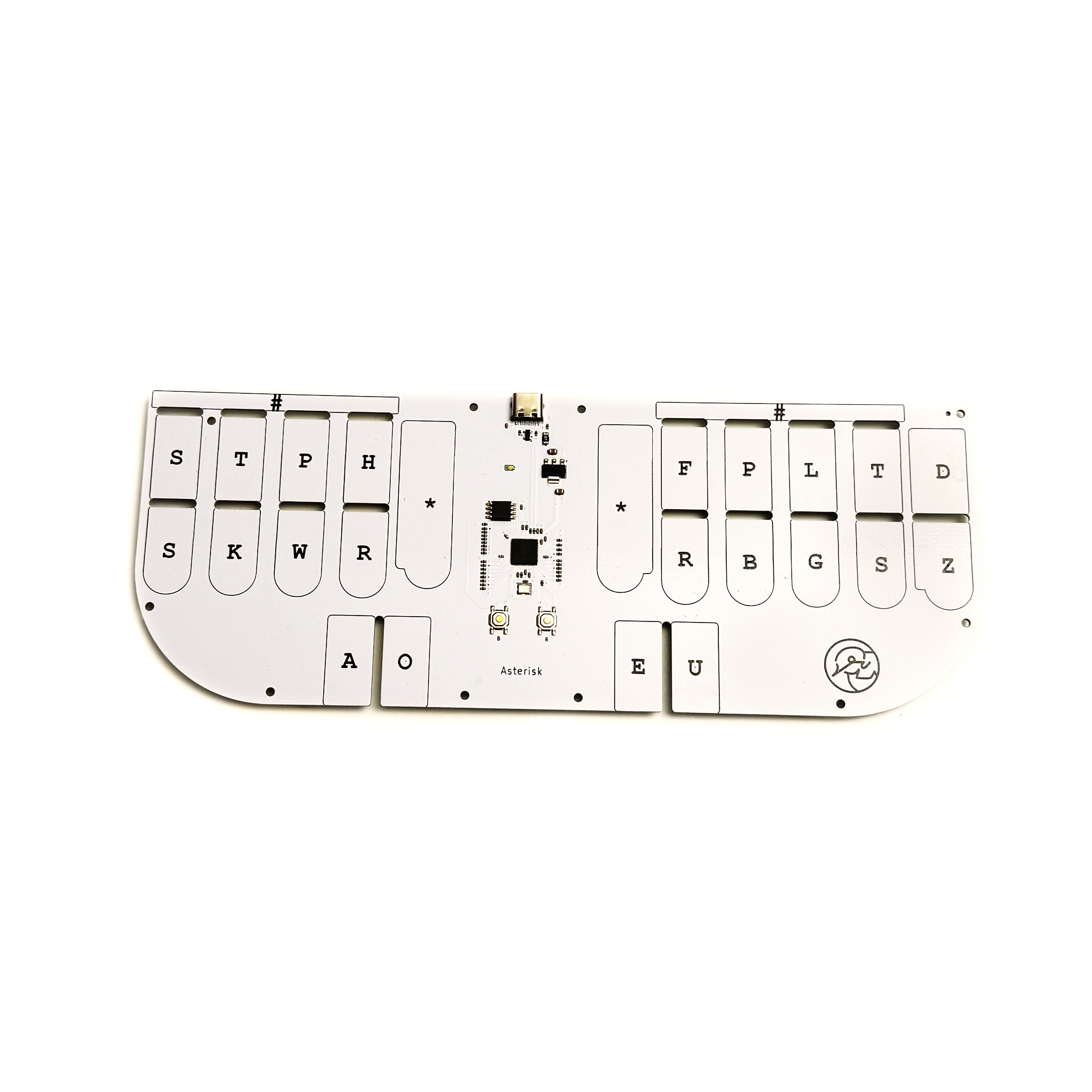
A touch sensitive, low cost steno keyboard.
1. Download Plover
Learn how to download Plover here: Download Plover
Use any USB C Data cable to plug into a Windows, Mac, or Linux computer. The Asterisk comes with a cable inside of the box. Click “Refresh” again and select the new port that appeared in the drop down menu
2. Connect your keyboard
Go to Configure > Machine, and select "Plover HID" from the drop down menu. Click "Apply".
Then on the main page, under "Output", click "Enabled". Test that it is working by opening up the "Paper Tape" dialog and typing on the keyboard.
⚠️ If that didn't work, see instructions below.
See troubleshooting tips here: Troubleshooting
More information
Layout
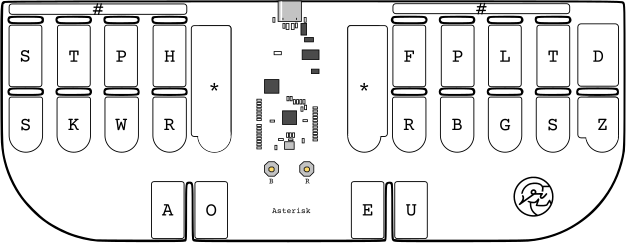
The Asterisk uses the traditional English steno machine layout.
Start Learning
There are many ways to start learning steno. One common way people get started is to read through Art of Chording, then go to Typey Type to practice words.
Special Action Keys
You cannot define any words to #-#, *-*, or TKPW*UG on the Asterisk due to them being special action keys.
#-#
Pressing #-# (both # together) will reset the sensitivity of your keys.
*-*
Pressing *-* (both * together) will increase the touch force required to activate the key. The more you press *-* the less and less sensitive the keys become. This is useful if you find the keys are too sensitive. Press #-# or the “R” button to reset sensitivity back to normal.
TKPWU*G
Pressing this chord will enter your keyboard into debug mode. If you accidentally stroked this, you can stroke it again to exit the debug mode. You can also press the small “R” button or unplug/re-plug your keyboard.
B Push button
The “B” button in the center of your Asterisk is the boot button. Press and hold this while you plug in your keyboard to mess around with the firmware of the Asterisk. This button is only for developers.
R Push button
The “R” button in the center of your Asterisk will reboot your device. Pressing this is the same as unplugging and re-plugging your device.